

AI CCTV analytics cost in India is not one number. It is five cost lines: the licence (per camera, per rule or per site), a site PC, internet, storage, and setup with support. Using the cameras you already own removes the biggest line. Compare quotes as one figure: rupees per analysed camera per month over three years.
Most quotes you will see online are a single price per camera. That hides the lines that decide your bill. This post lists them, shows a worked three-year sum with assumed figures you can replace, and gives you the questions to ask before you sign.
What do you pay for in AI CCTV analytics?
You pay for five lines. A quote that shows only one of them is incomplete.
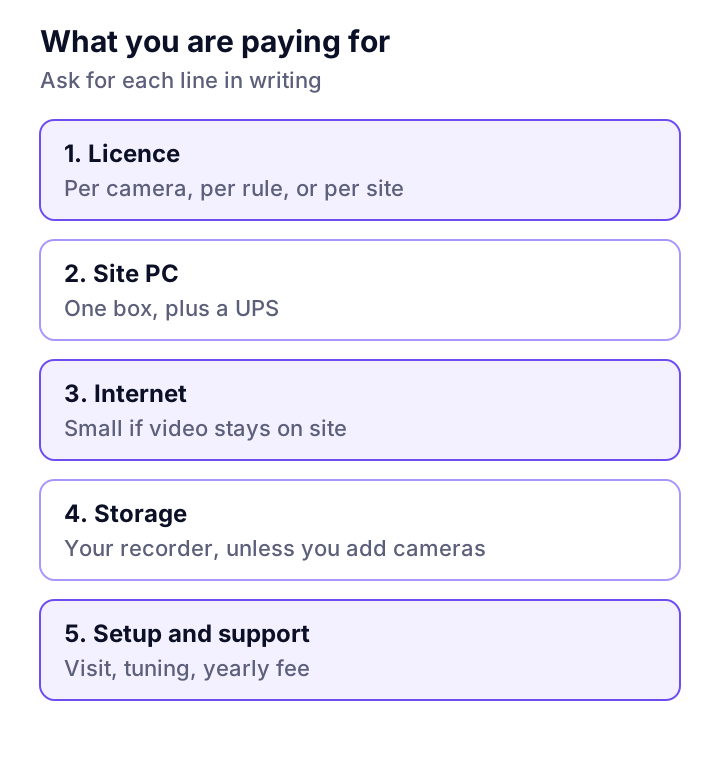
- Licence. The software fee. It is charged per camera, per rule (per type of event), or per site. Some vendors charge by the volume of video or number of alerts.
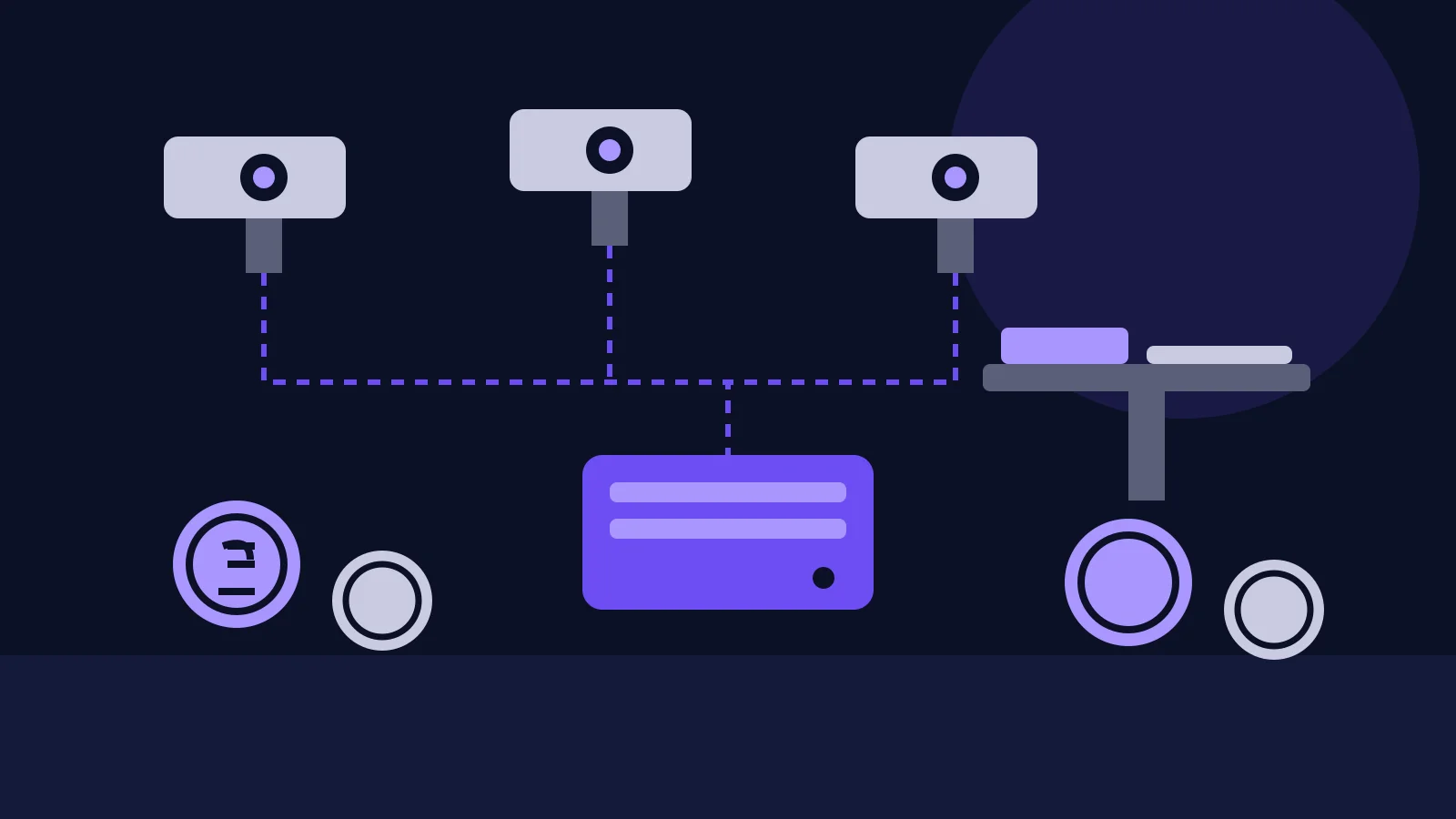
- Site PC. A small PC or mini PC next to the recorder reads the streams. Add a UPS, because a power cut stops the watching.
- Internet. Small if the AI runs on site and only short clips go out. Large if every camera streams to a cloud.
- Storage. Your recorder already holds the video. It grows only if you add cameras or keep clips longer.
- Setup and support. The visit to find streams, draw zones and tune rules. After that, a yearly support fee, or the time of your own staff.
Per camera, per site or one-time: which pricing model is cheaper?
It depends on how many cameras you cover. Per-camera pricing wins when you cover a few. A flat per-site fee wins once you cover many.
| Model | How it is charged | Good when | Watch out for |
|---|---|---|---|
| Per camera, monthly | A fee for each analysed camera | You start with a few cameras | The bill grows with every camera you add |
| Per rule | A fee for each type of event | You want one or two rules only | Each new rule adds a charge |
| Per site | One fee for the site, up to a camera limit | You cover most of the cameras | Check the camera limit and what happens above it |
| One-time licence plus support | Large payment now, yearly support | You have capital budget and few changes | Updates and new models may cost extra |
| Usage based | Charged on video processed or alerts raised | Very uneven use | The bill is hard to predict |
Ask which of these a quote uses, and what counts as a camera. Does a camera with two rules count as two?
What does a 3-year sum look like? A worked example
The figures below are assumed, not market prices. We made them up to show the method, so replace them with the numbers from your quotes.
Assumptions: ₹600 per camera per month, a ₹50,000 site PC with UPS, ₹25,000 for setup, and 36 months. The flat site plan is ₹9,000 per month.
| Case | Licence (36 months) | PC and setup | Total | Per camera per month |
|---|---|---|---|---|
| Per camera, 16 cameras | ₹3,45,600 | ₹75,000 | ₹4,20,600 | About ₹730 |
| Per camera, 4 cameras | ₹86,400 | ₹75,000 | ₹1,61,400 | About ₹1,120 |
| Flat site plan, 16 cameras | ₹3,24,000 | ₹75,000 | ₹3,99,000 | About ₹690 |
| Flat site plan, 4 cameras | ₹3,24,000 | ₹75,000 | ₹3,99,000 | About ₹2,770 |
Three lessons from the sums:
- Fixed costs hit small sites. The PC and setup cost the same for 4 cameras as for 16. Per camera, that is about half as much again at 4 cameras.
- Break-even is simple. ₹9,000 divided by ₹600 is 15. Under these assumptions, the flat plan wins only when you cover more than 15 cameras.
- Cover the cameras that matter. Start with the gate, stores and loading bay. You do not need AI on every camera on day one.
What about internet and storage?
If the AI runs on site, your internet and storage bill barely moves. This is where cloud-first quotes cost more than they show.
The numbers come from Hikvision's bitrate table: a 1080p camera at 25 frames a second needs about 2,048 Kbps on H.265. Our arithmetic from that:
| Item | Amount |
|---|---|
| One camera, 24 hours | About 22 GB a day |
| One camera, 30 days on your recorder | About 660 GB |
| 16 cameras, 30 days on your recorder | About 10.6 TB |
| 16 cameras streamed to a cloud | About 33 Mbps of upload, all day |
| Four new cameras added | About 2.6 TB more recorder space for 30 days |
Your recorder already carries the 10.6 TB. Reading its streams for AI adds nothing to it. A cloud service that wants all 16 streams needs a leased line most Indian sites do not have. Our guide to adding AI to existing CCTV cameras explains the on-site setup in full.
Do you need to replace your cameras?
Often not, and that is where most of the saving is. Replacing cameras is the largest line in any project, so test the ones you have first.
Check three things per camera: it gives an RTSP or ONVIF stream (ONVIF Profile T covers H.264 and H.265 streaming), it shows enough pixels on the target, and it gives a usable picture at night. A camera that fails only the pixel check may need a better angle or a closer lens, not a new system. Replace the few that fail. The same logic saves money on plant sensors, as our post on retrofitting IoT sensors on old machines shows.
Safety rules cost more than simple ones, because they need more pixels. See our PPE detection system guide for what a helmet check needs.
Where do AI CCTV quotes go wrong?
They go wrong in what they leave out. Here is what to ask about before you compare prices:
- Pilot price versus rollout price. Ask for the cost of the second site.
- What counts as a camera. And whether extra rules cost extra.
- Who pays for the PC. And its power backup.
- Camera replacement. Is it in the quote, or "if needed"?
- False alarm tuning. How many weeks of tuning are included? Our CCTV guide covers how to cut false alerts.
- Exit terms. Can you export your rules and clips if you leave?
- Currency and tax. Is the price in rupees, and is GST extra?
Cost is only half the choice. A cheap system that sends 50 false alerts a night gets switched off. Run a one-week test on your own footage before you sign a multi-year deal.
Where Camryx fits
Camryx is our AI for the CCTV you already have, now in early access. It works with the cameras and recorder you own, so there is no new camera line in your bill. A small site agent on a PC reads the streams and connects out over HTTPS. You can use Camryx managed AI or your own AI keys. There are no prices on the page yet. Contact us and we will tell you what your site needs.
Frequently asked questions
How much does AI CCTV analytics cost per camera in India?
We found no neutral price list, and vendors mostly quote on request, so we do not give a market price. Prices are usually a per-camera fee, a per-site fee, or a one-time licence. Ask for the price per analysed camera over three years, with the site PC, setup, internet and support included. That one figure lets you compare quotes.
Do I need to buy new cameras for AI analytics?
Often not. If each camera gives an RTSP or ONVIF stream and shows enough pixels on the thing you need to see, AI can read the cameras you own. Buying new cameras is the biggest cost line, so run a readiness check first. Replace only the cameras that fail it.
Is AI CCTV analytics cheaper per camera if I cover more cameras?
Usually, yes. The site PC, setup visit and any flat site fee are fixed. Spread over 16 cameras they cost less per camera than over 4. In our worked sum below, the same 3-year plan costs about ₹730 per camera per month at 16 cameras and about ₹1,120 at 4.
Does AI analytics increase my storage and internet cost?
Not if the AI reads video on site. Your recorder already stores the video, so storage only grows if you add cameras. Internet use stays small when only short alert clips leave the site. Streaming every camera to a cloud is what needs a big upload link.
Want a quote built on your cameras?
Tell us how many cameras you have and which rules matter. We will tell you what is needed before any price is discussed.