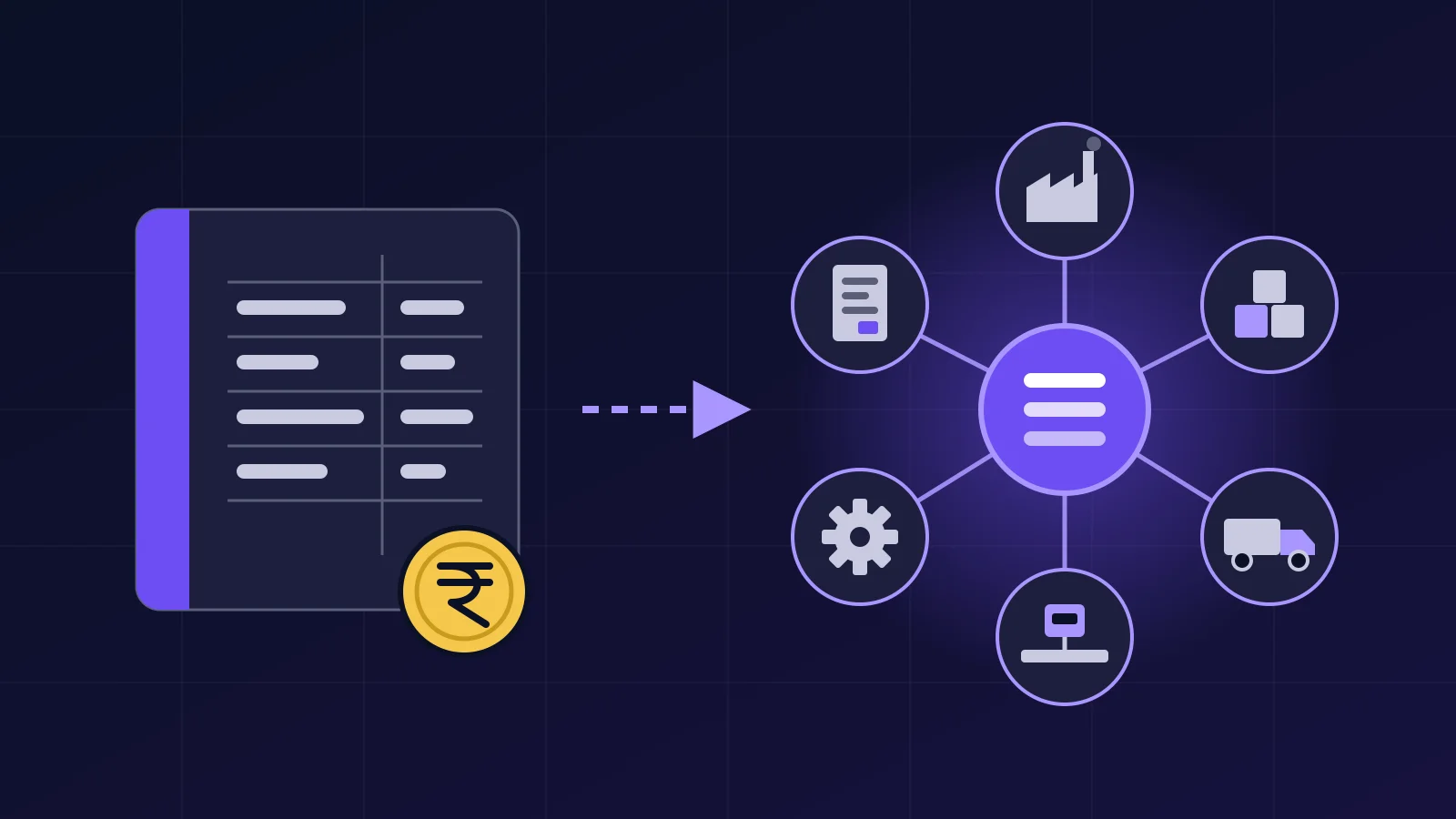


A manufacturing ERP is one system that holds a factory's purchase, stores, production, dispatch, accounts and payroll records, so every department reads the same numbers. In a heavy-industry plant it must also handle weighbridge weights, batch or heat records and more than one site. This guide covers what it does, when you need one and where ZapNexa fits.
Most plants already have software. The trouble is that they have five pieces of it, and none of them talk to each other. This post is for the owner, CFO or plant head who wants to know what an ERP would change on the floor, not just on a slide.
What does a manufacturing ERP actually do?
It keeps one record for everything that moves through the plant, and every department works from that record. A goods receipt in stores becomes the stock figure, the purchase liability and the input to production cost, all from one entry.
Without an ERP, the same event is usually written down several times. The gate keeps a weighbridge register. Stores keep a sheet. Production keeps a shift log. Accounts post the bill in Tally. At month end someone reconciles them, and they rarely agree on the first try.
Here is what each part of a typical manufacturing ERP records, and who uses it.
| Module | What it records | Who uses it most |
|---|---|---|
| Purchase and stores | Purchase orders, goods receipts, issues to production | Purchase officer, storekeeper |
| Inventory and warehousing | Stock by warehouse, batch and serial number, reorder levels | Stores, plant head |
| Production and MRP | Bills of materials, production plans, output and yield | Planner, shift in-charge |
| Weighbridge link | Gross, tare and net weight of every truck | Gate and weighbridge operator |
| Sales and dispatch | Sales orders, dispatch notes, invoices | Sales, dispatch clerk |
| Finance and GST | Ledgers, payables, receivables, bank reconciliation, GST invoices | Accounts, CFO |
| HR and payroll | Attendance, leave, payroll, statutory deductions | HR, accounts |
| Reports | Dashboards, plant-wise profit and loss, stock ageing | Plant head, owner, CFO |
Not every plant needs every row on day one. Most start with two or three modules and add the rest later.
Follow one truckload from the gate to the ledger
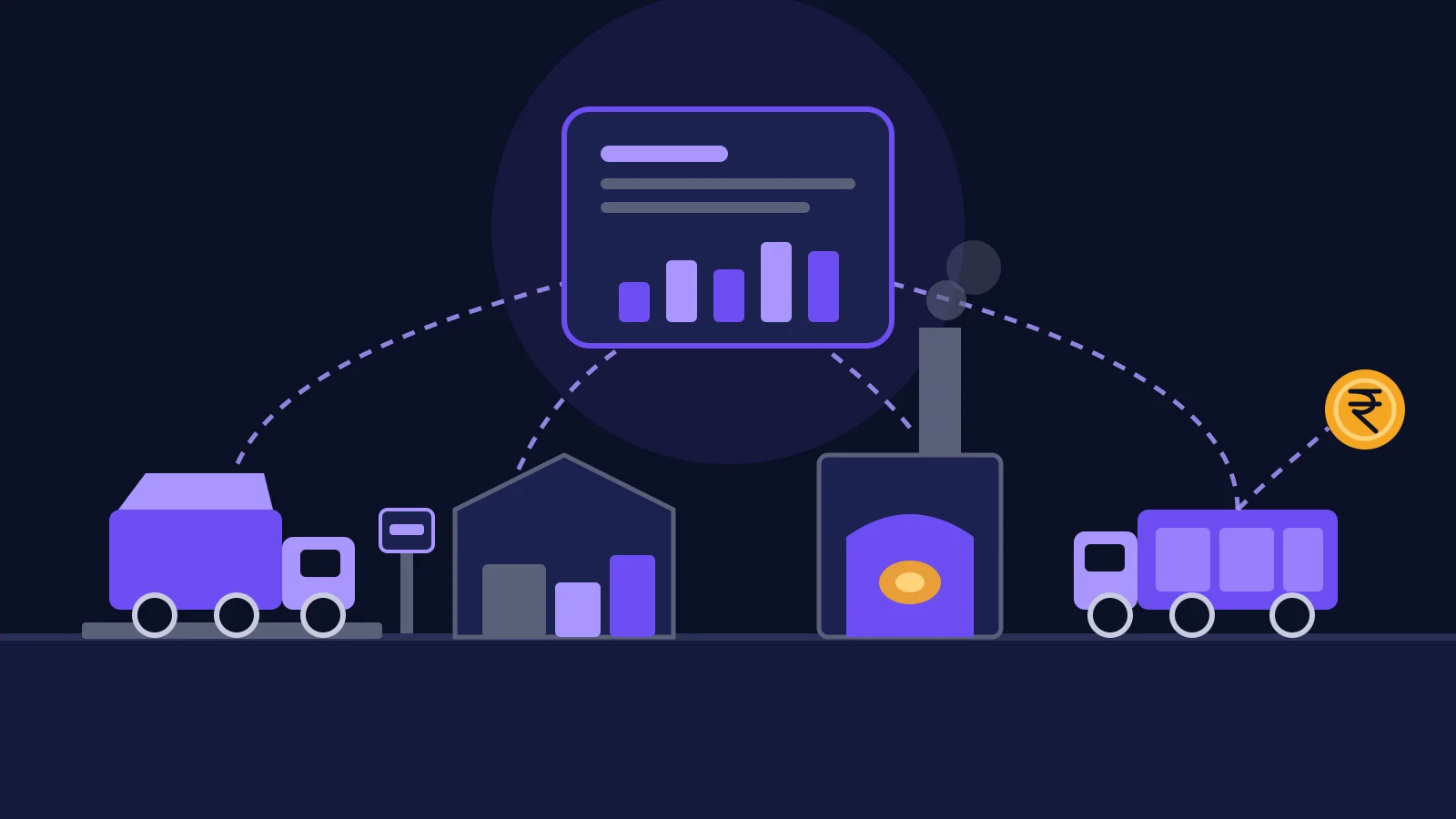
The quickest way to see what an ERP changes is to follow one load of raw material through the plant. Each step below creates or updates a record that the next step reads, so nothing is typed twice.
- A truck of iron ore or limestone arrives. The weighbridge records the gross weight against the purchase order.
- After unloading, the empty truck is weighed again. The net weight becomes the goods receipt quantity in stores.
- Stores issue the material to production. Stock drops at the moment of issue, not at month end.
- Production records what went into each batch or heat and what came out. Yield is output divided by input, and the shift in-charge sees it the same day.
- Finished goods leave through the weighbridge again, and the dispatch note takes the outgoing weight.
- Accounts raise the invoice from the dispatch note, with the GST details already filled in.
- The purchase and the sale post to the ledgers, and the plant's profit and loss updates.
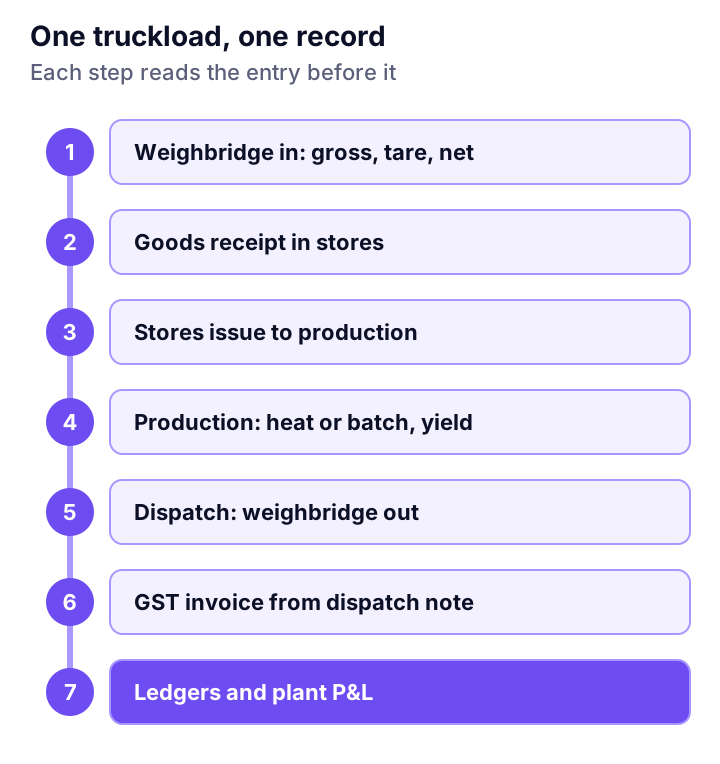
Without the ERP, steps 1, 2, 5 and 6 are often typed by hand from a printed slip. Every retyped weight is a chance for a wrong number, and in a plant that buys and sells by the tonne, a wrong number is money. Our guide to weighbridge integration with an ERP covers how that link is set up. For the invoice step, see what GST e-invoicing asks of your ERP.
Why heavy industry needs more than a general ERP
A general ERP is often built for assembly: it starts from a bill of materials and a work order. A steel, cement, mining or power plant works differently, so check that the system handles these four things.
- Material by weight. Raw material and finished goods are bought and sold by weight, so the weighbridge has to feed the ERP directly.
- Batches, heats and yield. A melt shop tracks each heat, its chemistry and its yield. A process plant cares about consumption per tonne, such as coke per tonne of hot metal. See what this looks like for integrated steel plants.
- Dispatch and dealer credit. A cement plant needs packer output, dispatch and dealer credit limits on one record. The cement industry page shows the full list.
- More than one site. Groups with several plants or warehouses need stock transfers between them and one consolidated set of books. Our multi-plant ERP guide explains what changes.
When you see a demo, bring a real day of your own data: one truck, one heat, one dispatch. Ask the vendor to run it through the system while you watch. A product that only shows you a generic sales order screen has not answered your question.
When do you need one, and when can you wait?
You need a manufacturing ERP when your separate tools stop agreeing and the reconciling eats real time. You can wait if one small plant runs well on accounting software and a few careful sheets.
Signs that the time has come:
- Month-end closing takes days because stock in stores does not match stock in accounts.
- Weighbridge weights are typed by hand into stores and then again into accounts.
- Nobody can tell you yesterday's stock of a key raw material without calling stores.
- A second plant, depot or warehouse has opened, or will soon.
- An auditor or customer asks for batch or heat traceability, and you rebuild it from registers.
If two or more of these are true, it is time to get quotes and work out the payback. If none are, keep what you have. Our post on when manufacturers outgrow spreadsheets goes through the tipping points in detail. For the money side, read what ERP software really costs in India and the CFO's guide to ERP ROI.
Where manufacturing ERP projects go wrong
The usual mistakes are about scope, data and training, not the software. Each one below can be avoided if you plan for it.
- Switching everything on one day. Start with one factory or one module, prove it, then extend. The ERP implementation checklist shows how to pick the first module.
- Moving dirty master data. Duplicate item codes and party names follow you into the new system. Clean them before migration. The ERP migration checklist for Indian manufacturers lists what to settle first.
- Training only the managers. The storekeeper and the weighbridge operator make most of the entries. Train every shift, not just the head office team.
- Expecting the ERP to predict breakdowns. An ERP records the cost of a breakdown after it happens. Seeing a fault coming needs condition monitoring, which can feed the ERP. See how condition monitoring connects to an ERP.
- Customising too much. Every custom screen has to be kept working through upgrades. Our build vs buy guide helps you decide what to change and what to accept.
Where ZapNexa fits
ZapNexa is the manufacturing ERP built by Cybs Innovations for heavy industry such as steel, cement, mining and power. It covers purchase and stores, production planning, inventory across warehouses, dispatch, finance with GST-ready invoicing, and HR and payroll. Its heavy-industry modules include blast furnace tracking, billet yield, coke consumption analytics and weighbridge integration.
It handles transfers between plants and consolidated reports for groups with more than one site. It runs on your own servers or on cloud infrastructure you control. Most clients move one module at a time, and you can keep Tally running during the move; our ZapNexa vs Tally comparison shows where each fits, and our Tally vs ERP guide lists the signs it is time to move. ZapNexa is quoted per configuration, based on your modules, factories and users, so there is no fixed list price.
ZapNexa does not watch machine health. If unplanned breakdowns are the bigger problem in your plant, look at Vexron, our predictive maintenance software, first.
Frequently asked questions
What is the difference between an ERP and accounting software like Tally?
Accounting software records money: vouchers, ledgers and GST returns. A manufacturing ERP also records the material and work behind the money: purchase orders, stock by batch and warehouse, bills of materials, production and dispatch. The accounts entries then come from those records instead of being typed again. Many plants keep Tally running for a while and move to an ERP one module at a time.
Does a small factory need a manufacturing ERP?
Not always. A single plant with a few products, one store and a small team can run well on accounting software and a few careful sheets. The need starts when stock, production and accounts stop agreeing, when a second site or warehouse opens, or when month-end closing takes days of reconciling.
Can a manufacturing ERP run on our own servers?
Some can and some are sold only as a hosted subscription, so ask before you sign. ZapNexa can run on your own servers or on cloud infrastructure you control, so your data stays under your governance.
How long does a manufacturing ERP take to go live?
It depends on scope. Starting with one factory or one module, such as finance or inventory, is usually faster and lower-risk than switching everything at once. Prove the first module against real operating data, then extend it to the rest of the business.
See how ZapNexa fits your plant
Estimate the payback with your own figures, then look at the ZapNexa modules built for steel, cement, mining and power plants.